PowerPoint: Make the Most of Your Animations
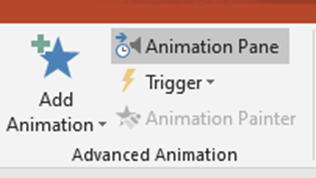
PowerPoint presentations can easily go awry, especially if the slide show becomes distracting and detracts from the central message of your presentation. After all, PowerPoint is supposed to support your presentation, not lead it. PowerPoint offers many great tools that allow you to emphasize points made, as well as related graphics that reinforce your message. One of these tools is animations. Animations are a set of effects that you can apply to the text and graphics, like pictures and charts, on a slide. Animations can make the information more memorable for your audience, and they allow you, the presenter, to control when and how the audience views a particular bullet point or related graphic. So, let’s say a slide contains five bullet points. Rather than having all bullet points show up at the same time, you can, through the use of animations, introduce each bullet point one-by-one. This strengthens the connection between your verbal speech and the slides you’re showing. It turns...